
Every new academic year is marked by the same problem. The pile of homework grows quickly. Classes start to blend by the third week. Luckily, there are now free AI services that help deal with this problem. This article gives you insight into the most effective AI study tools for 2026. It also describes how to use them.
Why Are Students Turning to AI Tools This Year?
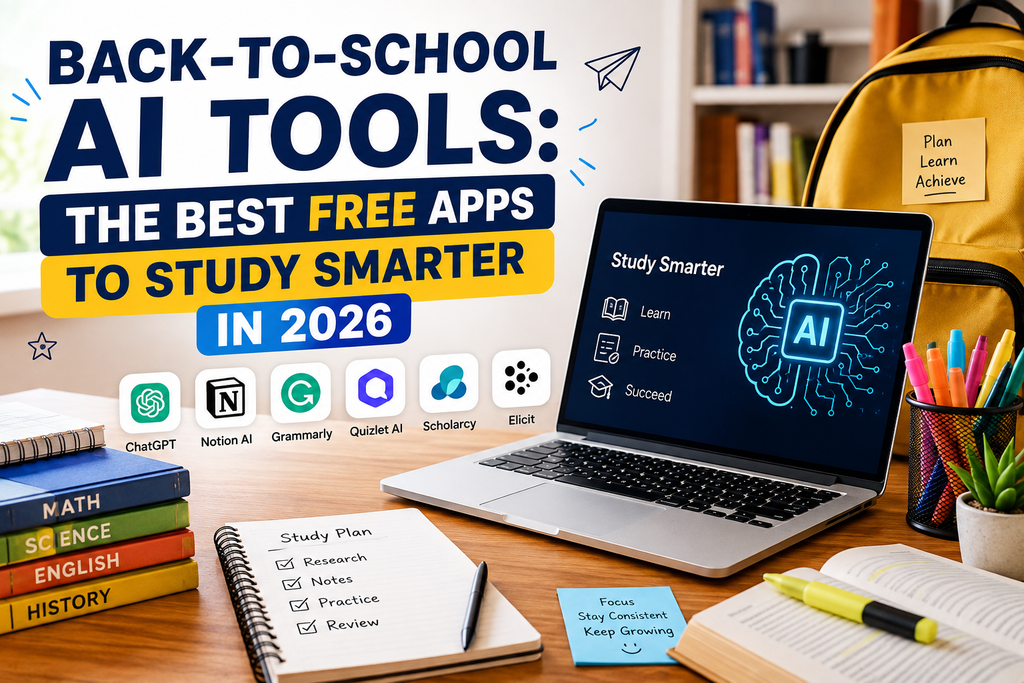
The workloads for academics become heavier each year, and, at the same time, there is a constant increase in the number of tasks students must complete. Thus, a huge percentage of students view AI applications as their constant learning companions. There are many apps capable of explaining complicated concepts and summarizing lengthy readings in a couple of seconds. Moreover, most of the best apps do not cost anything. This means that students do not have to purchase expensive packages in order to study better. A few free apps will be enough to fulfill almost any academic requirement.
The Core Back-to-School AI Toolkit
In order to narrow down the options, it is helpful to categorize them first. It would be sufficient to have just one application for each category. In general, a decent pack consists of five applications. This means that you need one chatbot, one research app, one proofreading app, one note-taking assistant, and one lecture recording app.
Here are the best apps for 2026.
Best AI Study Tools for Homework Help
ChatGPT
ChatGPT continues to be one of the most popular AI tools for students. It is able to help with everything, from concept explanations to ideas for essay writing. Moreover, ChatGPT is able to solve math tasks step by step. If you need assistance with homework, ask for explanations, and after that ask it to test you on the material.
Claude
Claude is an assistant more suited for critical thinking, not for providing answers right away. In order to use Claude, you can ask for weaknesses in your arguments and ask what your teacher could challenge. This would encourage students to think critically and improve their writing without making it mechanical.
Google Gemini
Gemini integrates nicely with Google services, which are familiar to most students. It connects smoothly with Docs, Search, and other Google tools. As a result, Google Gemini will be particularly convenient for students who are already working within Google Workspace.
Best AI Tools for Note-Taking and Organization
NotebookLM
NotebookLM has been a popular choice when it comes to organizing study notes. One can load lecture slides, PDFs, and research papers into this app, from which one can ask questions such as “Summarize chapter four” and get appropriate answers. It basically transforms loose notes into a search engine for study assistance.
Notion AI
Notion AI allows students to organize their notes and tasks at the same time. It is handy for students dealing with several subjects and deadlines simultaneously. Not only does it help students take notes, but it also assists in creating study schedules and task lists.
Otter.ai
Otter.ai makes transcripts of lectures. It helps one save a huge amount of time spent manually taking notes. However, the free transcription quota gets exhausted easily. This app should be used only if lectures are tough to understand while attending them.
Best AI Tools for Research and Writing
Perplexity
It is unique in that it offers citations for its answers. This is crucial in doing research tasks. While a standard chatbot response would not give such details, the citation offered by Perplexity allows you to verify your source. Do not forget to look at the source and not cite an AI summary alone.
Grammarly
Grammarly is a top tool that helps with editing essays. The service will ensure that your language is clear and free of mistakes related to grammar and tone. This is the tool of choice for many students while preparing to submit assignments.
QuillBot
QuillBot is a tool that will come in handy for paraphrasing and summarizing essays. Students who have to deal with numerous sources will rely on this tool to save time and understand the material.
Best AI Tools for Presentations and Visuals
Gamma AI
The Gamma AI transforms rough ideas into presentable materials instantly. All one needs to do is describe their slides, and the software will take care of the rest. This tool is great for emergency projects in class.
Canva Magic Studio
The AI tools in Canva make it possible for any student to make visual designs easily without having any graphic design skills. Students can create posters, presentation slides, and any other type of project material they need for school easily.
Best AI Tools for Math and Coding
Photomath and Wolfram Alpha
In math-intensive courses, the right tools to consider would be Photomath and Wolfram Alpha. They enable students to scan their math problems and get step-by-step solutions on them. These two show how the solution was arrived at.
GitHub Copilot
For those taking computer science courses, GitHub Copilot becomes a helpful tool. Most schools have educational plans through which students can get the software for free. GitHub Copilot enables one to get code suggestions as they type their assignments. It makes the assignment easy, but one needs to know the underlying concepts.
How to Build Your Own AI Study Stack
It is impossible to employ all these tools. It is reasonable to choose only one tool from each category. The following set will provide an efficient combination. Chatbots can be used for explanation purposes, NotebookLM for material organization, Grammarly for writing checks, and Otter.ai for recording lectures. These instruments alone should be enough for coping with almost any college workload. Otherwise, the addition of some other tools will lead to the opening of new tabs, but will not make you more productive. Thus, try starting with something basic and expanding your set only when there is a real lack of something.
Tips for Using AI Tools Responsibly at School
AI tools are helpful in supporting your workflow, but cannot replace anything. They can easily analyze information, explain, summarize, and organize everything. At the same time, they can provide incorrect answers or make you believe something that is not right. That is why you should never trust facts provided by these instruments. Also, you have to know the exact instructions regarding the use of AI provided by your college. There are classes where such software is allowed without restrictions and some assignments where it is prohibited. If you are confused about something, just ask your teacher.
Free AI Tools vs. Paid Options
There are few students who really need paid subscriptions this year. Free versions of ChatGPT, Gemini, Grammarly, and NotebookLM will satisfy almost all of your needs in this academic year. Only a few students really require paid services. Still, in case you have a heavy research workload, you will eventually reach the limits of using free services. Then, you have to subscribe to just one tool.
Setting Up Your AI Toolkit Before Classes Start
Organization is better done sooner than later. For starters, install only a couple of core apps instead of trying to get all of them at once. Next, spend some time testing these applications by using them on actual homework. You can upload your syllabus or old lecture notes as tests.
Final Thoughts
Back-to-school artificial intelligence applications are not about fancy things but about the ones that are useful for students. It makes sense to choose several dependable apps instead of using many of them halfway. With the new school year starting, an AI toolkit will help you study more effectively. If you’re looking for the 10 best tools to earn money online, check out our other guide on that topic.