
Anyone who has tried looking for “best blogging tools for writers” has likely run into the same list repeated a dozen times: a long list of tools, a price list, and a claim that one of them will make your blog life-changing. But the reality is: tools alone won’t make a blog flourish. The key is a strategy – and the tools help to implement this strategy. This article shuns the marketing rhetoric and instead offers a step-by-step walkthrough on how to start a blog and what a new blogger requires. From choosing the topic to writing about it, this is very important, since there is a problem many new blogs face: getting them found in Google search results.
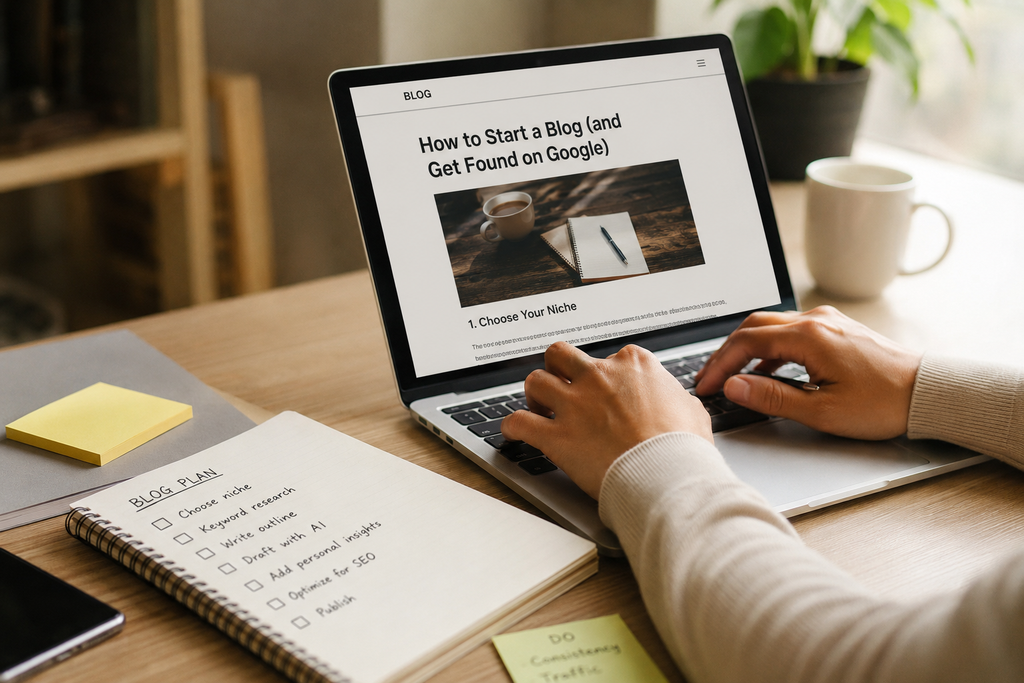
The Blogging Tools for Writers Toolkit (Free First)
You don’t need a software stack costing $200 a month to start a blog. The most successful bloggers usually start from scratch with free software and only upgrade to paid tools after finding out exactly what limits their productivity.
The Best Blogging Tools for Writers on a Zero Budget
Here are Blogging Tools for Writers:
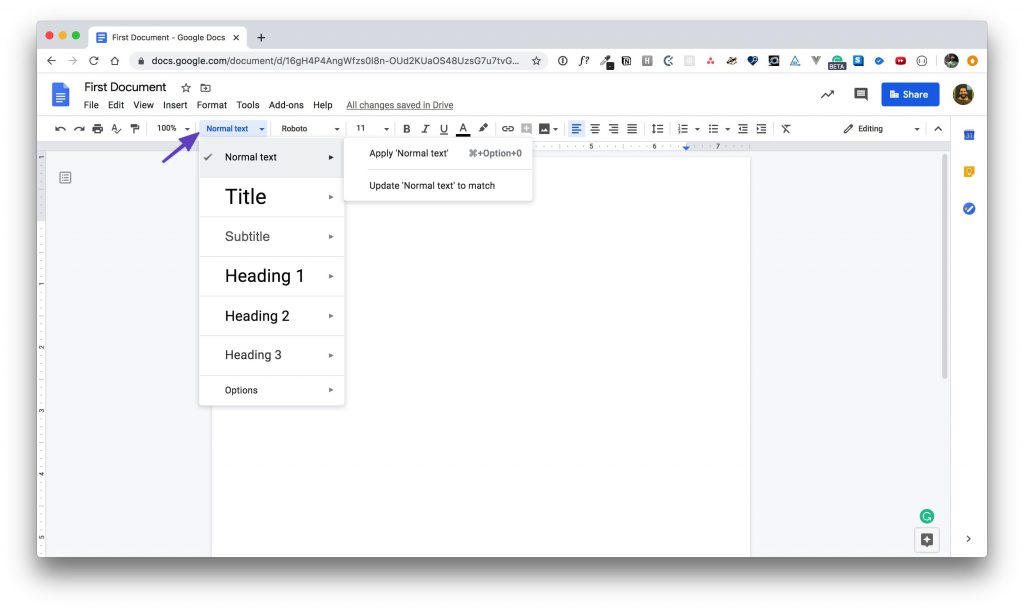
- A writing tool – Google Docs remains the best place to start writing; it’s free, auto-saves all changes made, and you can use additional AI-powered writing assistants from within Google Docs.
- An AI assistant to write the draft – Claude and ChatGPT can help you generate titles, outlines, and other pieces of content. Their free plans are more than enough for a beginner.
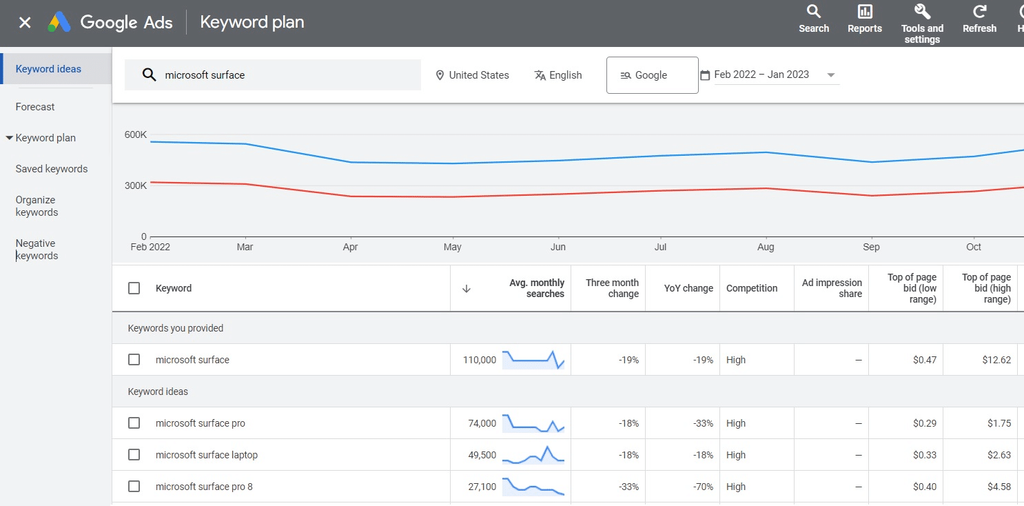
- Free keyword tools: Google Keyword Planner and Google Search Console (once your website is confirmed). They will show you what people type into Google.
- A readability checker – you can check for readability right in Google Docs or use some free services on the Internet.
What is notable about this list? No single paid service included. This is intentional. Don’t rush to buy software until you learn what a good post looks like.
Step 1: Find a Keyword Before You Write(Blogging Tools)
This is the part that beginners always neglect, and that is precisely why content is created but never actually finds an audience. The keyword is simply what people put into Google. There’s no point in writing about something that is not even searched for; your content will not be discovered.
How to Use Google Keyword Planner for Free(Blogging Tools for Writers)
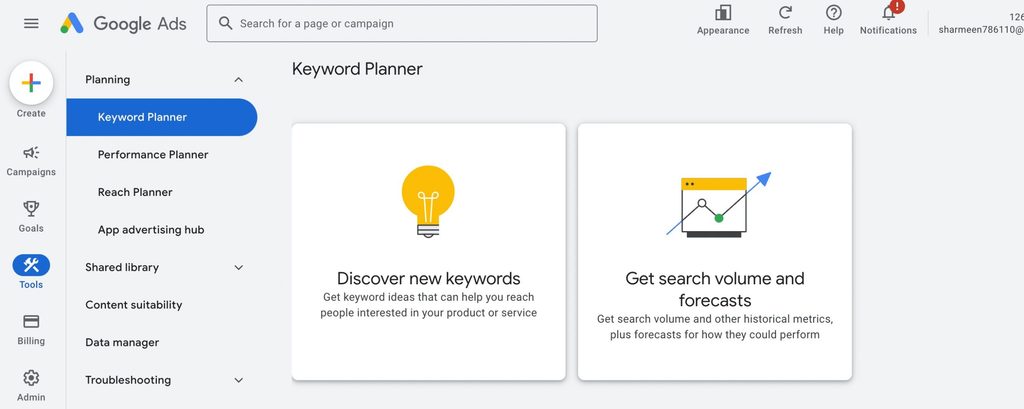
- Go to Google Keyword Planner or Google Trends (both are free)
- Put in a topic idea, such as “side hustle ideas”
- Find phrases that have actual search interest and, at the same time, not too high competition. It is easier for a new blog to rank for long phrases (over four words) than competitive short ones.
- Choose one main phrase as your focus, along with two to three other phrases to include in the headings of your content.
- There is absolutely no need for paid software here at first. Free tools are literally enough until you start hitting some walls due to high competition in the niche.
Step 2: Draft With AI, Edit Like a Human
AI writing tools have their uses. They have plenty of ways in which they can be abused. Here’s the distinction:
Where Do AI Writing Tools Actually Help?
- Drafting an initial outline when you don’t have anything written down yet
- Brainstorming potential headlines
- Editing an ugly sentence
- Summarizing research faster
In which AI make your blog posts worse?
- Posting a draft without any personal experience, opinion, or specific details
- Using it to make claims that have not been checked
- Having it write about something you do not know anything about
And it does matter much more than one might think at first. How your post ranks on Google is designed to reward content that comes from someone who knows what they’re talking about. If a piece feels like it was written by anyone about anything, it will likely get ranked accordingly, no matter how well “optimized” it is. Simple principle to follow: allow AI to craft the skeleton of your article, while you flesh out the rest.
Step 3: Optimize for SEO Before Hitting Publish
A Simple Pre-Publish SEO Checklist
- Your title uses your keyword somewhere near the beginning
- The opening paragraph tells your readers what the post is all about
- Your headings (H2s) use your related keywords without being keyword stuffing
- The meta description uses less than 160 characters and sounds clickable
- Internal links lead to at least one or two other posts from your site
- The post’s language is easy enough for a 12-year-old to read it – short sentences, clear words, no jargon
That last point deserves an explanation. Writing in simple language is NOT the same thing as “dumbing down.” It means that the writer is being respectful of their audience’s time. There are some of the most-read publications in the world that write in very simple language for the express reason that it is quicker to scan, simpler to share, and much more easily matched to people’s actual search queries by search engines.
What to Do If Your Post Still Isn’t Ranking?
Checking Google Search Console First
Once you have done all of the above and still don’t see your posts pop up on Google, make sure you do the following, in this particular order:
- Is your site verified in Google Search Console? Google might not even know that your pages are available if this is not the case.
- Have you submitted a sitemap? This is a file that informs Google which pages it needs to check out. Most website builders create one for you automatically; you just need to submit it.
- Does your post contain a no-index tag? Some themes and plugins add this tag automatically without letting you know about it. In essence, it asks Google not to index your page.
- Is your blog about too many unrelated things at once? A new website jumping from finance to food to fashion and back to travel in its posts might look like a mess for Google, slowing down indexing of the content. Focusing on one topic at least initially will definitely help a lot.
- Does any of it connect with your postings? Search engines find new pages in part by crawling through links. When you share in Facebook groups, you make it easier for people to find your post, but it usually doesn’t help Google find it, since the links in Facebook groups aren’t crawlable like a website link.
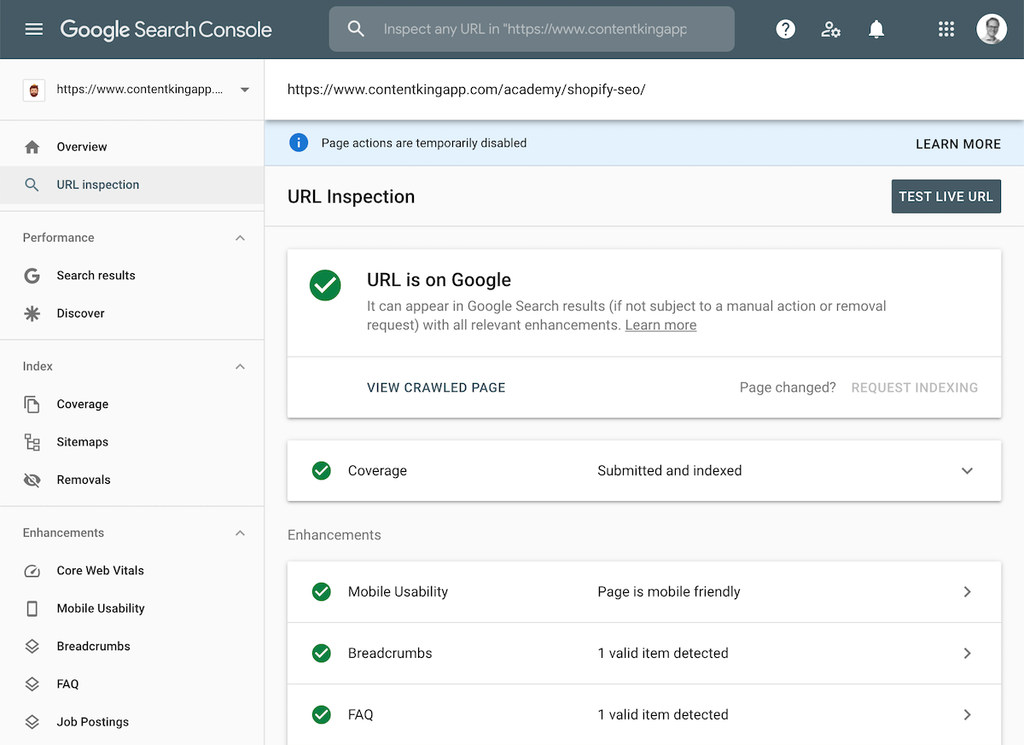
None of this implies that you have written poorly. This indicates that indexing is an independent issue and requires a different checklist. If you’re using AI tools for more than just blog drafts, it’s worth seeing how the same tools fit into a wider freelance workflow. Our freelance AI stack for 2026 breaks down which tools are actually worth paying for beyond the basics covered here. And if turning your writing into income is part of the plan, 10 Best AI Tools to Earn Money Online in 2026 walks through practical ways bloggers and freelancers are doing that right now.